
Figma side-by-side
See every page next to the design they signed off.
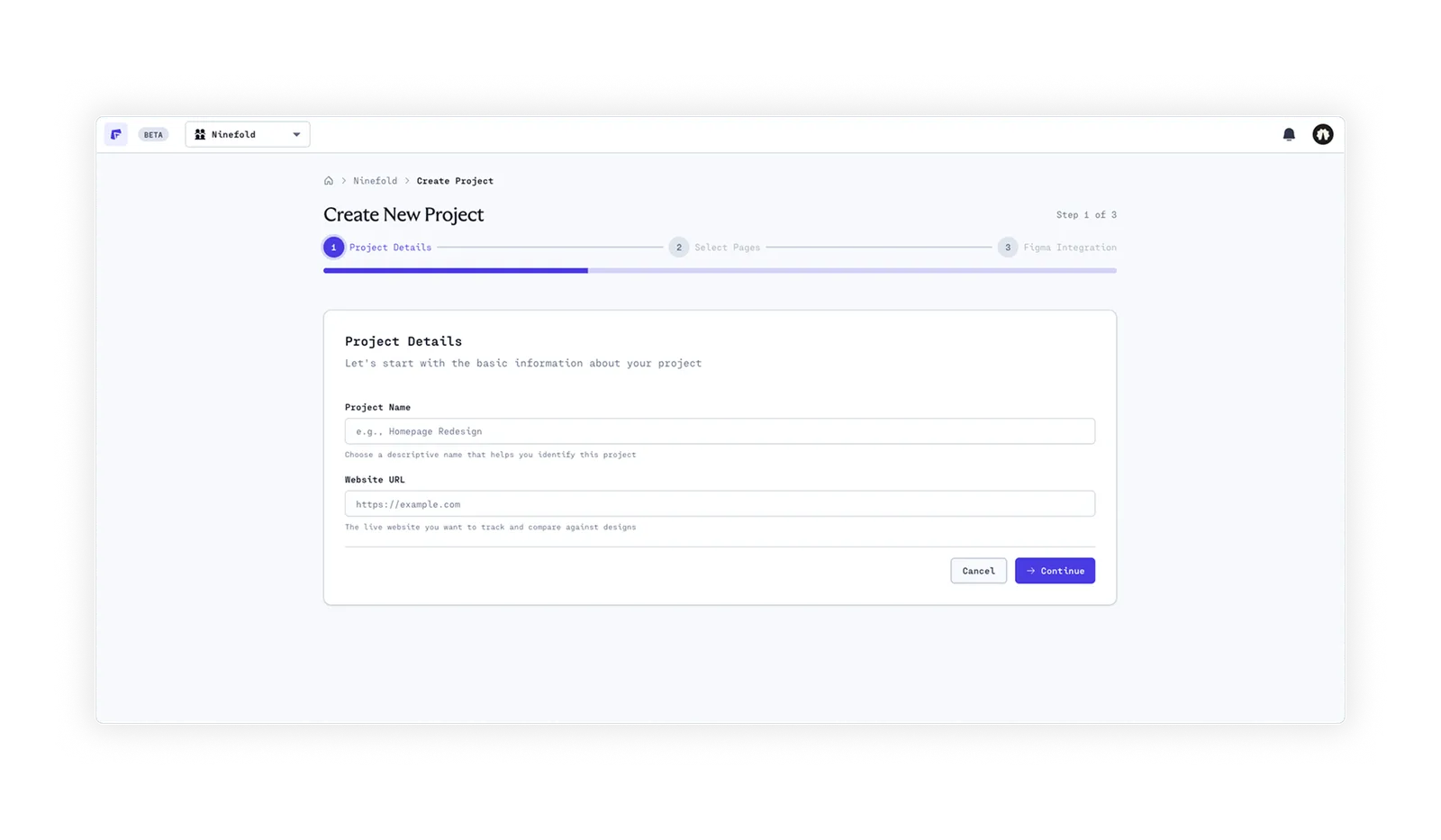
Map your Figma pages when you set up a project. Frank lines up each page from your live site with its design, so you can review build and design side by side, page by page.
- Set up in 30 seconds
- Unlimited scans
- No code required
Updated
Why it matters
Design drift is silent, and it adds up.
Nobody decides to ship the wrong shade of blue. Small calls made during the build pile up until the site doesn't quite look like what the client approved.
01
Nobody spots it in review
A 2px spacing change or a slightly off hex code is invisible when you've looked at the same page fifty times.
02
Clients do spot it
They signed off the Figma file. When the live site feels different, they notice, even if they can't say why.
03
Two windows slow you down
Flicking between a Figma tab and a browser tab, page by page, is tedious, so it gets rushed or skipped on a deadline.
How it works
From Figma file to side-by-side review in three steps.
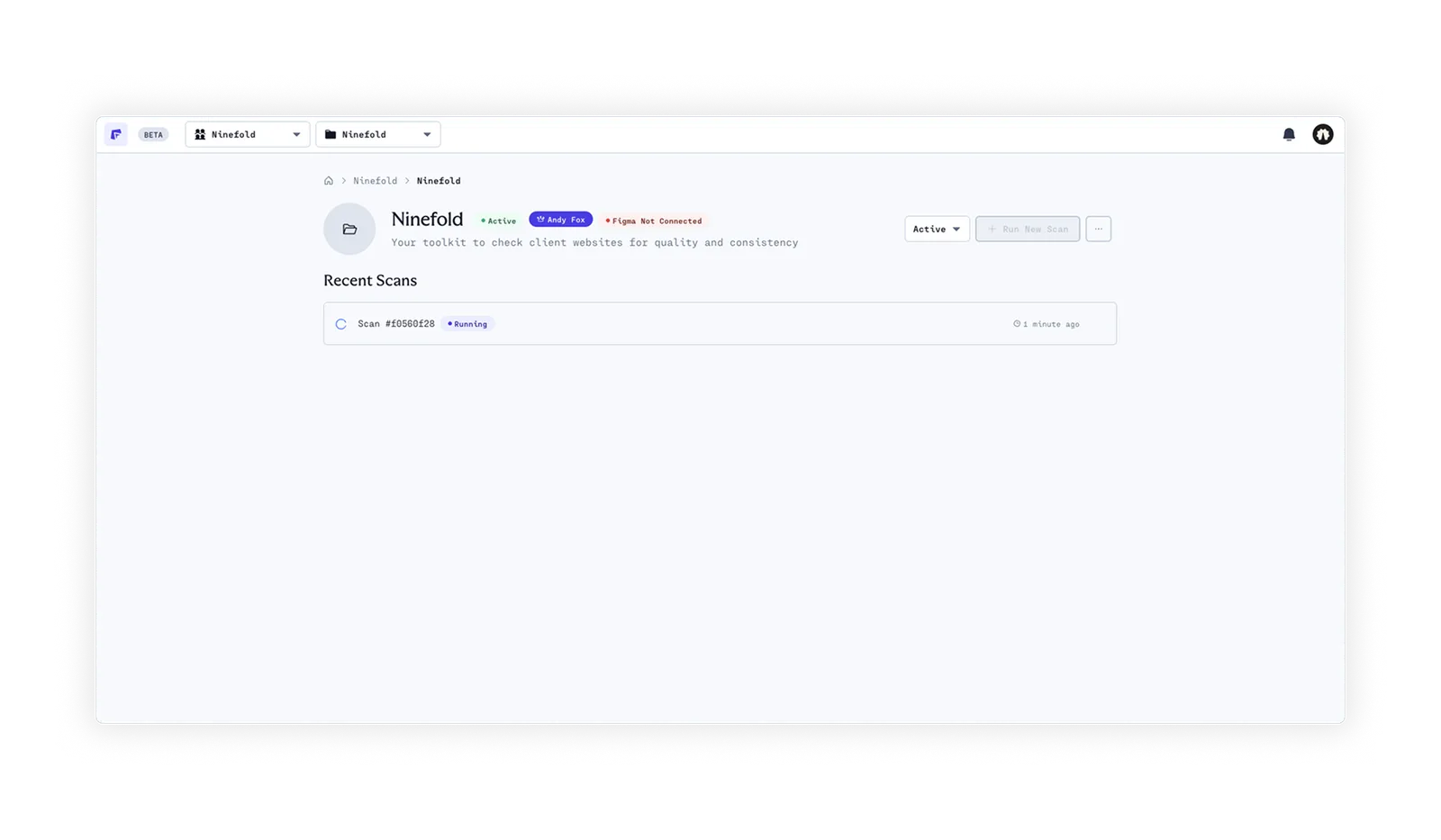
Set the mapping up once. Every scan after that is ready to review.
- 01
Connect your build and your Figma file
Paste your staging URL and connect your Figma file. Frank reads your site's pages from its sitemap.
- 02
Map pages to their designs
Match each page to its Figma page when you set up the project. Frank keeps the mapping for every scan.
- 03
Review side by side
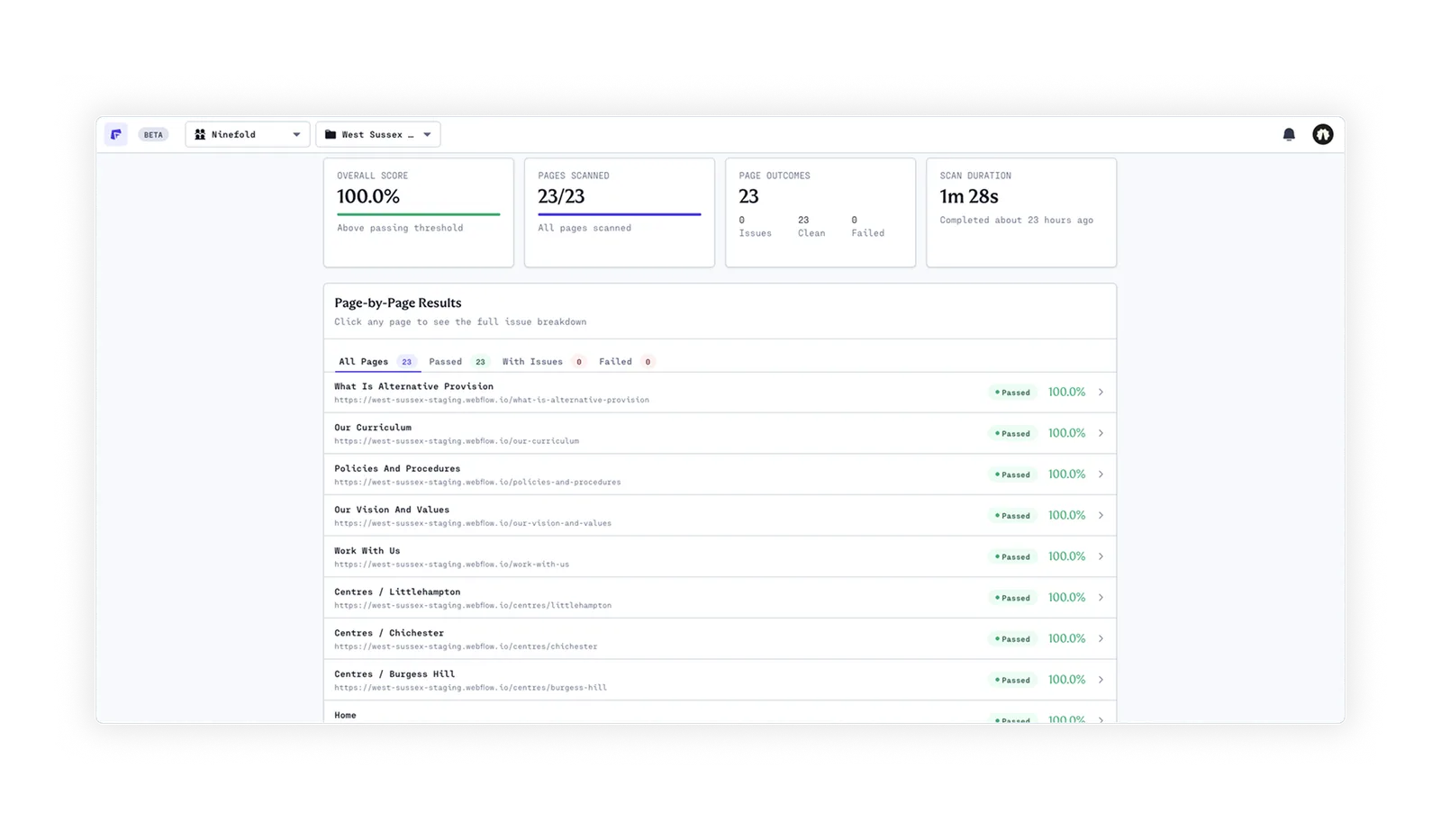
Open any page to see the live build next to its design, alongside that page's scan results.
What you get
Design review and QA, in one place.
The side-by-side view sits alongside the automated checks Frank runs on every page.
- 01Client-ready reports
A score your client understands
Every scan ends in a scored report broken down by category, with RAG status at a glance and every issue drillable by page and element.
- Scored by category
- Drill down by page and element
- Shareable with clients
- 02Automated checks
Catch what slipped through
While you review the design, Frank checks every link and button, and every text node for placeholder copy.
- Broken links and buttons
- Lorem ipsum and placeholder text
- Missing alt text
Built for launch week
Fast to set up. Thorough every time.
30s
to connect a site and its Figma file
0
lines of code or plugins to install
Unlimited
projects and scans on every plan
Frequently asked questions about Figma side-by-side
When you set up a project, you map your Figma pages to the pages Frank finds in your live site's sitemap. From then on, each page shows the live build side by side with its approved design.
No. Frank puts the build and the design side by side so you can review them together; it doesn't automatically compare colours, fonts or spacing. The automated checks cover placeholder copy, broken links and buttons, and missing alt text.
Yes. Frank works from the published site at your staging URL, so it doesn't matter how the site was built. No code or plugins required.
Yes. The Figma integration is included on every plan, with unlimited projects and scans. See pricing.
Explore Frank
See what else Frank does for you.
- 01Solution
For agencies
Consistent, automated QA across every project and every team member, with client-ready reports as proof.


Ship what they signed off.
Connect your Figma file and review your first page side by side in minutes.
- Set up in 30 seconds
- Unlimited scans
- No code required